Piano, reimagined for iPhone and iPad

Play the music you love.

Pianora turns sheet music, recordings and videos into falling notes on a living keyboard — so every piece you love ends up beneath your fingers, at your own pace, before you can read a single note.

  • iPhone & iPad · iOS 16+
  • No account needed
  • 10 languages
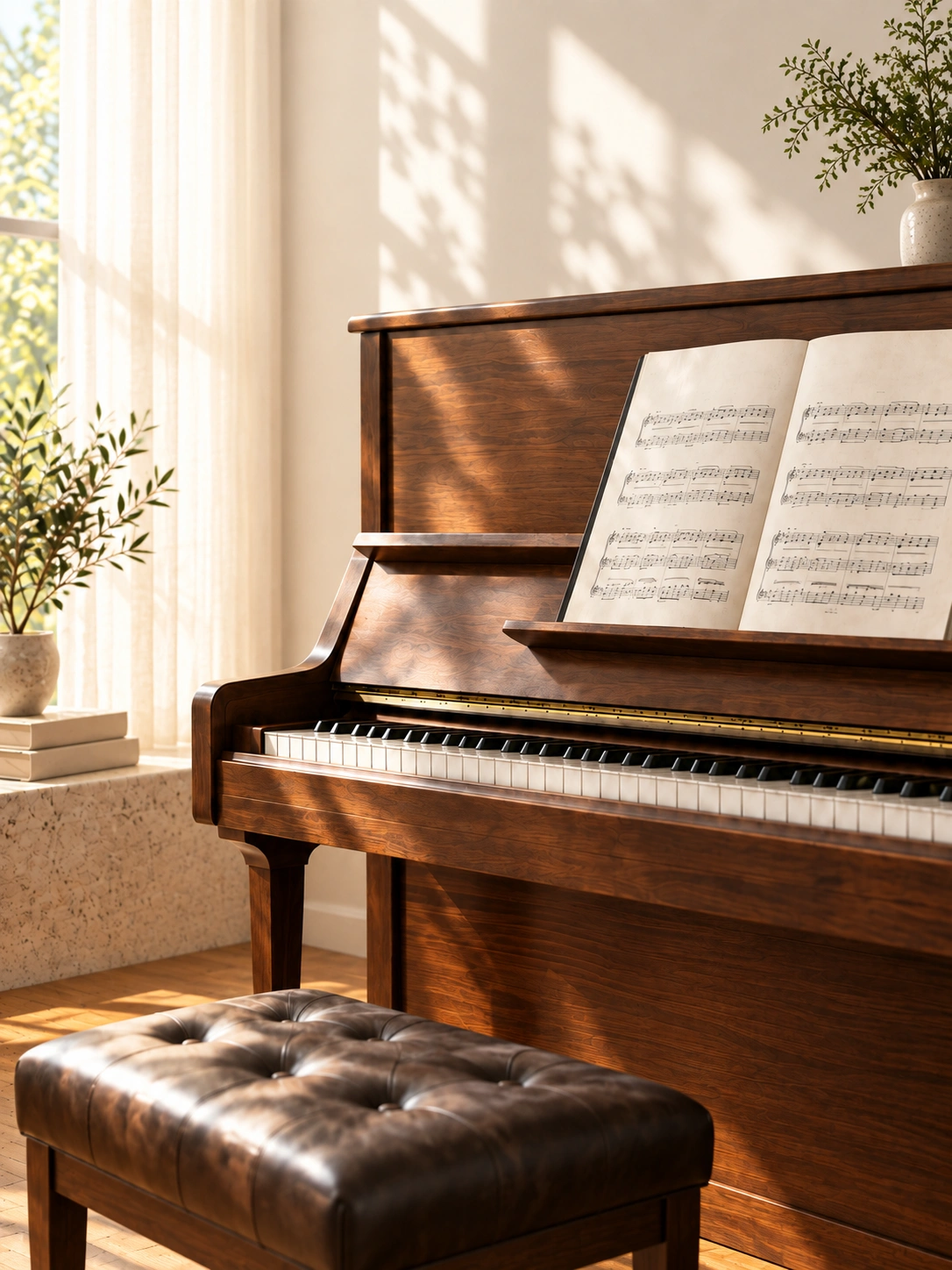
An upright piano with an open score in soft afternoon light
CGAEFCGDEDCCEAAGFEDBDCGAEFCGDEDCCEAAGFEDBDC3C4C5

Left hand Right hand

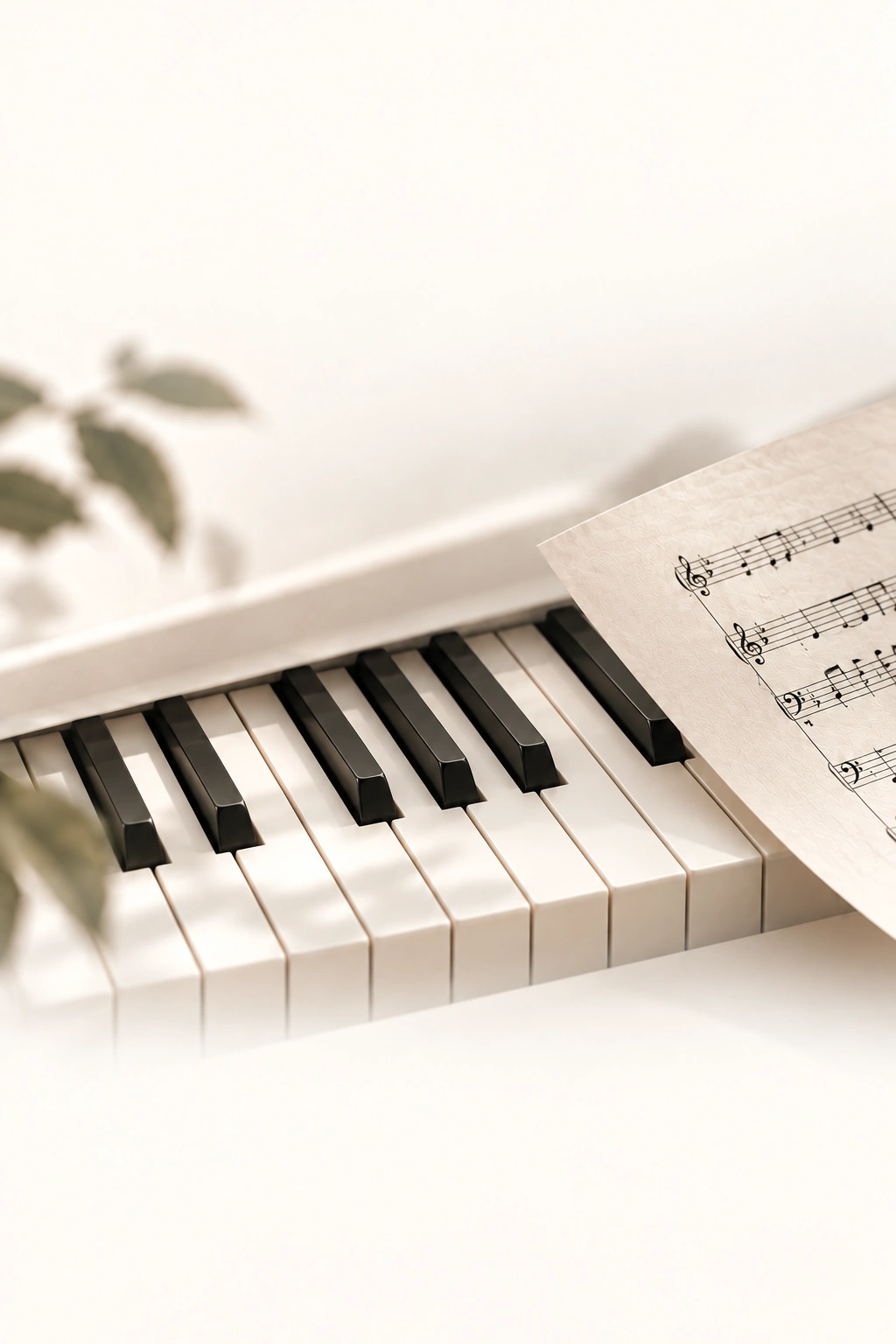
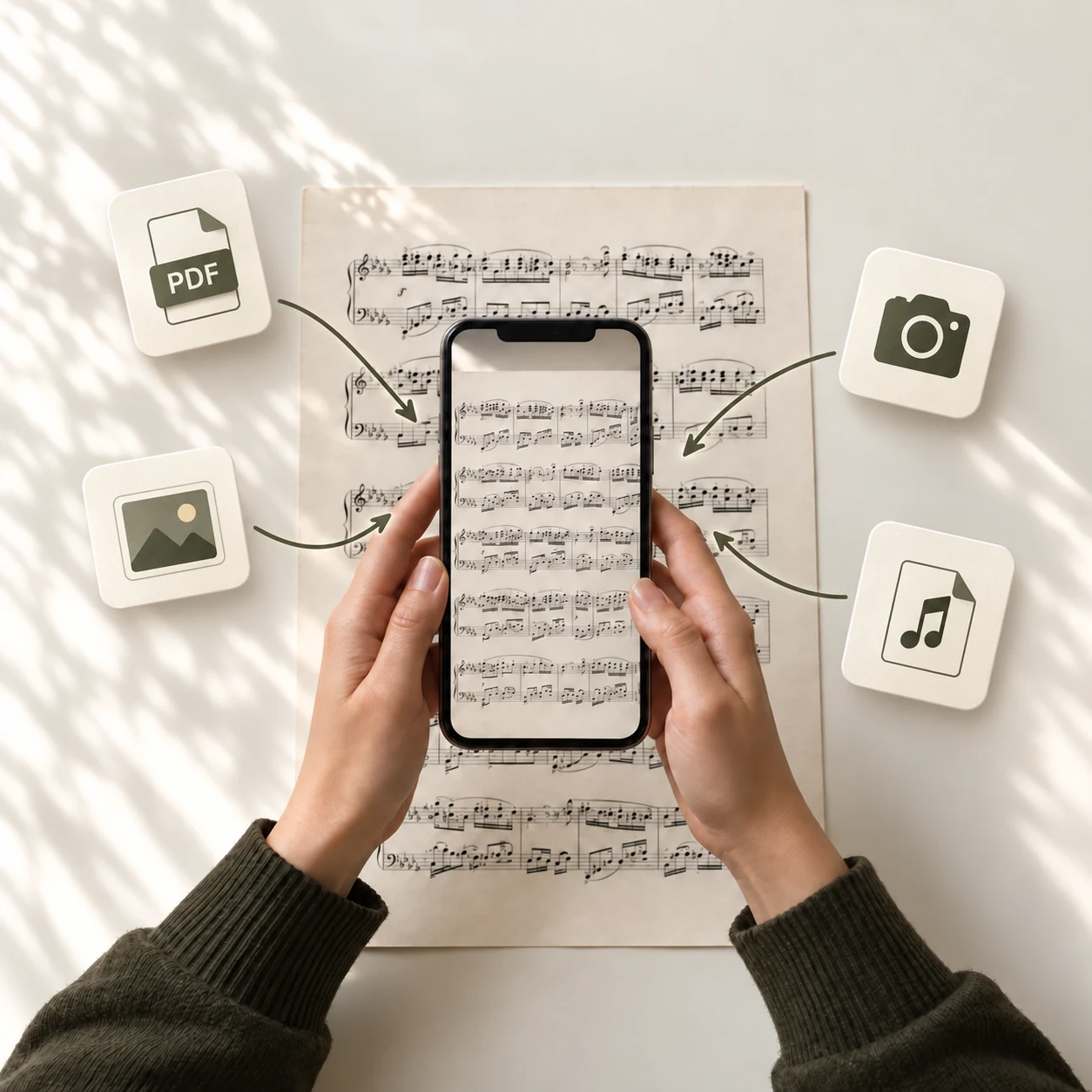
Hands photographing a page of sheet music with an iPhone

IThe sheet

Scan a score. Hear it come alive.

Found a piece you love but can’t read the notes yet? Photograph the pages or open a PDF — Pianora reads the score and lays every note out on the keys for you.

  • Camera
  • Photos
  • PDF
  • MusicXML
  • Multi-page scores, reordered with a simple drag.
  • The score lights up bar by bar as it plays.
  • Prefer notation software? Import MusicXML directly.
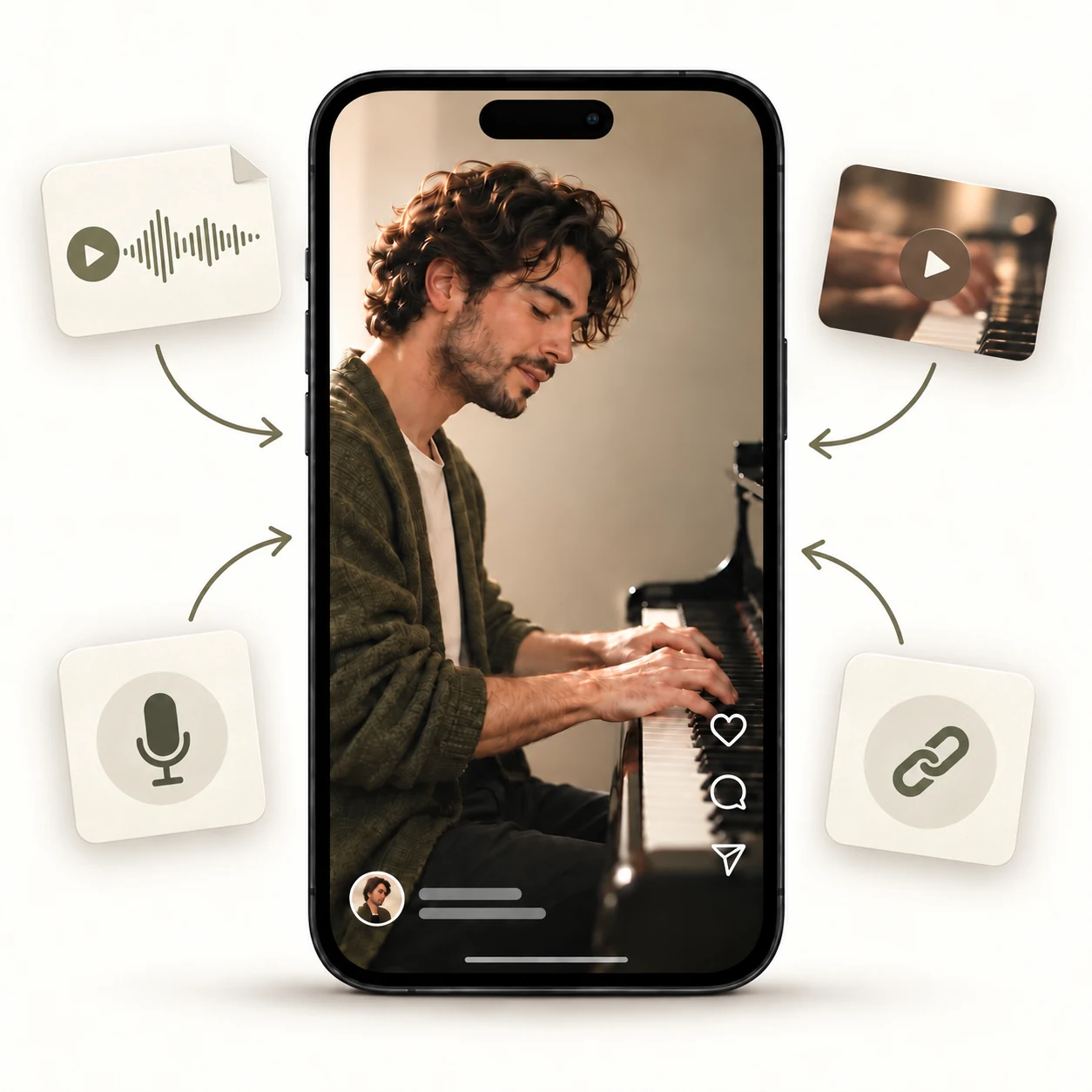
A pianist on an iPhone screen, surrounded by audio, video, microphone and link sources

IIThe sound

A melody you love. Now yours to play.

Heard a piano piece you can’t stop replaying? Import the recording or the video, record it live, or paste a link — Pianora listens and guides you note by note.

  • Audio
  • Video
  • Record
  • Link
  • Trim to just the passage you want to learn.
  • Left and right hands separated for you.
  • Switch between the original sound and a clean piano.

IIIThe stage

Watch the notes. Play along.

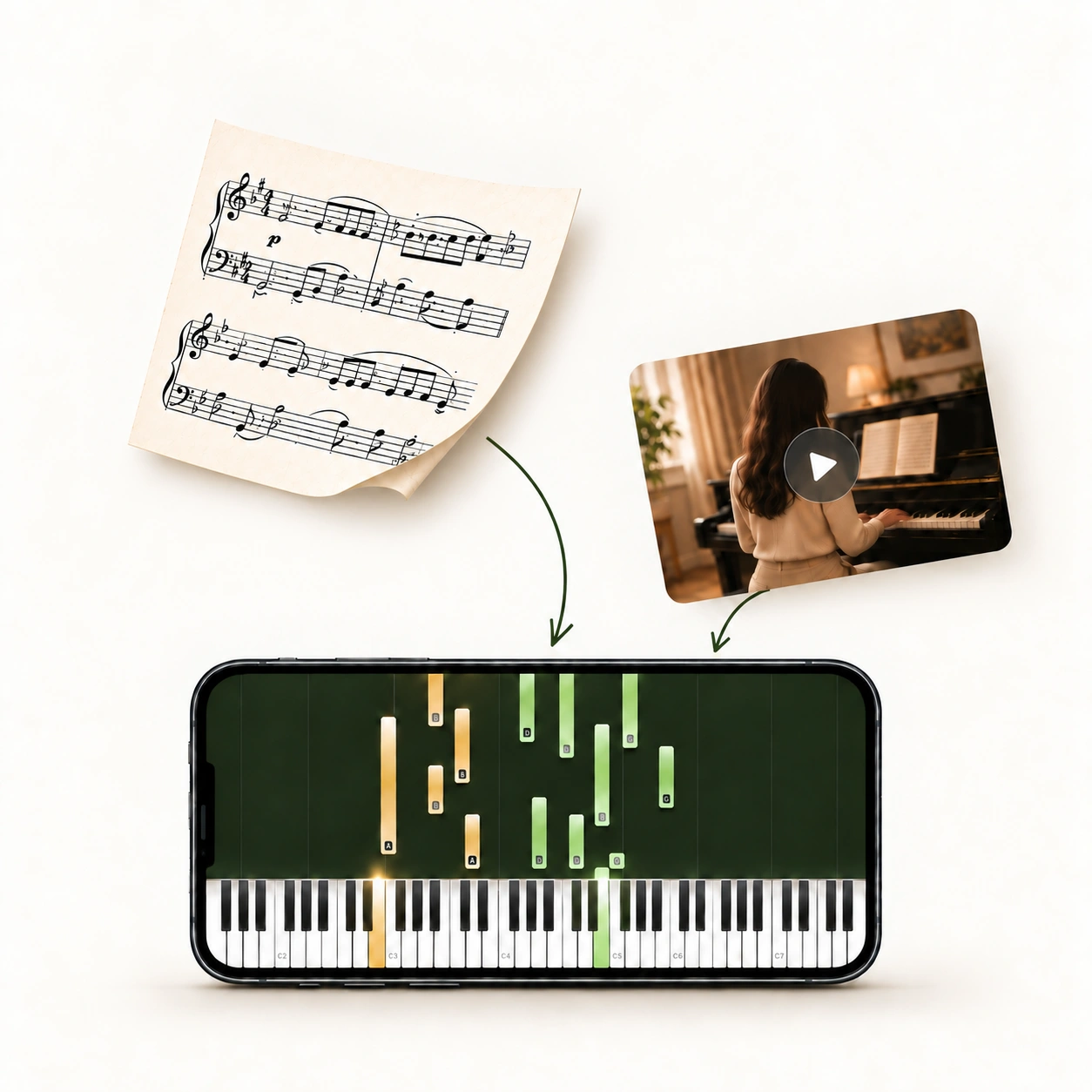
Whatever you bring, it arrives on the same stage: a keyboard that lights up exactly where your fingers belong, and a score that follows along bar by bar.

A score and a piano video becoming falling notes on an iPhone
  1. 01

    Three ways to watch

    Falling notes, the score itself, or both together — switch whenever you like.

  2. 02

    Your own tempo

    Slow a passage right down to learn it, then bring it back up to speed.

  3. 03

    Two hands, two colours

    Left hand in warm amber, right hand in sage, so each part is easy to follow.

  4. 04

    A camera that follows

    Zoom in on the keys you are playing — the view glides along with the music.

  5. 05

    Change the key

    Raise or lower the pitch a semitone at a time to suit your voice or your hands.

  6. 06

    Note names on the keys

    Turn on labels and read every note as it lands. No theory required.

How it works

From a page — or a melody — to your hands.

  1. i.

    Bring the music

    Snap a page, pick a PDF, import a recording or a video, or simply press record.

  2. ii.

    Pianora reads & listens

    Scores and sound are recognised in moments and turned into playable notes.

  3. iii.

    Play along

    Watch the notes fall onto the keyboard, at your pace, as many times as you like.

Our promise

Your music stays yours.

Pianora is a quiet studio in your pocket. No account to create, no ads — just you, the music, and the keys.

  • Private by designFiles you transcribe are used only to create your result and are never shared or used to train models.
  • Your library, in your iCloudBack up and restore your pieces with your own iCloud — nothing to sign up for.
  • Yours to keepExport as MusicXML, MIDI, PDF, PNG, WAV or AAC and take your music anywhere.
Pianora Pro

Begin free. Keep playing with Pro.

  • Try Pianora free — preview the first page of a score or the first 30 seconds of a recording.
  • Pianora Pro unlocks whole pieces, from every score and every recording.
  • Manage or cancel any time from your Apple ID subscriptions.
Download on theApp Store

Questions

Before you begin.

Something else on your mind? Write to support@pianora.app — a real person reads every message.

Do I need to read sheet music?

Not at all. Pianora shows every note falling onto the exact key to press, with optional note names. If you do read music, the score view follows along bar by bar.

What can I bring into Pianora?

Sheet music from your camera, photo library, PDF or MusicXML — and sound from audio files, videos, a live recording with your microphone, or a link to a video or audio page.

Which recordings work best?

Clear solo piano recordings give the most accurate notes. You can trim a recording to just the part you want before Pianora transcribes it.

Is my music private?

Yes. Files you transcribe are used only to create your result, are never shared or used to train models, and are deleted from our servers within 24 hours. Your library stays on your device and can be backed up to your own iCloud.

Which devices and languages are supported?

Pianora is made for iPhone and iPad running iOS 16 or later, and speaks 10 languages: English, Deutsch, Español, Français, Italiano, Nederlands, Polski, Tiếng Việt, 日本語, 한국어.

How do I cancel Pianora Pro?

Subscriptions are handled by Apple. Open Settings → your name → Subscriptions on your iPhone or iPad to manage or cancel at any time.

Your next piece is already waiting.

Open Pianora, bring the music you love, and let the keys show you the way.

Download on theApp Store